BodyLog365 PRO AppBar Settings Steps
-
Login with your LifeSmart BodyLog365 PRO Pharmacist credentials
- If you are new to LifeSmart BodyLog365 PRO platform, please click on the Sign Up button and create your account.
-
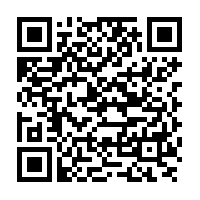
You can also Sign Up using our LifeSmart BodyLog365 PRO Android Mobile App available on Google Play Store. Please scan following QR Code to download the app on your Android mobile.
-
After login, you will be able to see your Account Details. Please copy the Pharmacist Key and paste it on Fred Dispense Plus -> BodyLog365 PRO AppBar Settings -> Pharmacist Key.
Watch the video
(This is just a sample video. We will upload the real video once the development and integration is completed)